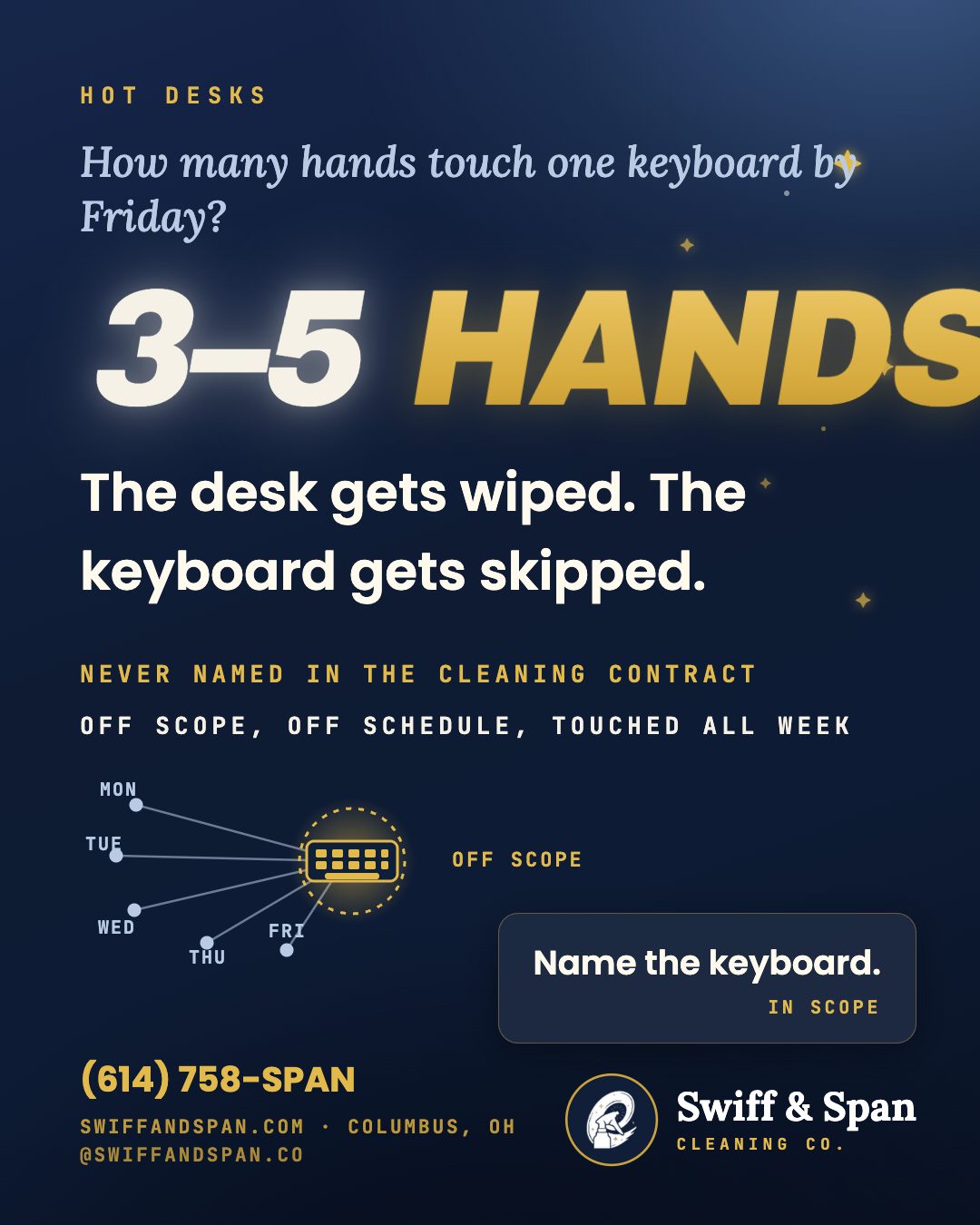
A hot desk isn’t touched by one person a day, it’s touched by whoever books it, which in a lot of hybrid offices means three or four different people by Friday, each one typing on the same keyboard, gripping the same mouse, adjusting the same monitor arm. Standard office cleaning was built around dedicated desks, where one person’s habits are the only variable. Hot-desking multiplies the hands on every surface without multiplying the cleaning protocol to match, and keyboards in particular tend to get skipped entirely, because most janitorial contracts never named them as in-scope in the first place.
Here’s the mechanic worth understanding: a keyboard isn’t a flat surface like a countertop. It’s dozens of small crevices around switches and keycaps, exactly the geometry that traps skin oil, crumbs, and whatever was on the last three people’s hands. A spray-and-wipe pass that works fine on a desk surface either does nothing to a keyboard’s actual touch points or, worse, gets skipped altogether because nobody wants to risk liquid near electronics with a general-purpose cleaner.
What Actually Changes When a Desk Has Five Different People a Week?
A dedicated desk has one owner and one set of habits, a mess is that person’s mess, self-correcting or not. A hot desk resets that math entirely. Different hands, different hygiene habits, different lunch-at-the-desk routines, all touching the same keyboard, mouse, phone, and chair arms within days of each other. The desk itself might get wiped down between bookings in a well-run office. The equipment on it almost never does, because wiping a desk surface and disinfecting a keyboard are two different tasks requiring two different products and about ninety extra seconds most turnover schedules never budgeted for.
Why Do Keyboards and Phones Get Skipped by Standard Office Cleaning?
Three reasons, and none of them are laziness. First, scope: most commercial cleaning contracts are written around trash, floors, and surfaces, desks, counters, restrooms, and electronics were never explicitly added, so a crew following the contract to the letter has no reason to touch them. Second, liability: janitorial staff are often, reasonably, cautious about using the wrong product near a keyboard or a desk phone, and without an electronics-safe product specified, the safer choice is to skip it rather than risk damage. Third, visibility: a dusty desk is obvious. A keyboard loaded with skin oil and crumbs between the keys looks fine from three feet away, which means it never triggers the “this needs attention” instinct that catches an overflowing trash bin.
What Does a Realistic Shared-Equipment Protocol Actually Look Like?
The fix isn’t complicated, but it does require naming the equipment specifically in the cleaning scope and stocking the right product:
| Item | Standard office cleaning | What hot-desking actually needs |
|---|---|---|
| Desk surface | Wiped nightly | Same, unchanged |
| Keyboard | Rarely touched | Electronics-safe disinfectant wipe, daily on high-rotation desks |
| Mouse | Rarely touched | Same pass as the keyboard |
| Desk phone / handset | Dusted occasionally | Wiped as a high-touch point, same frequency as door handles |
| Monitor arm / adjustable stand | Never | Wiped weekly; hands touch it every height adjustment |
| Chair armrests | Vacuumed with the chair | Wiped as a discrete touch point, not just brushed |
| Badge readers / booking kiosks | Rarely in scope | Added explicitly as a shared high-touch surface |
None of this requires new staff. It requires a contract that names hot-desk equipment as in-scope, and a crew stocked with an electronics-safe product instead of skipping the item because the general-purpose spray isn’t the right tool.
Who’s Actually Responsible: The Cleaning Crew or the Employee?
Realistically, both, and pretending otherwise is how the gap opens in the first place. An employee wiping down a keyboard before they leave a hot desk is a reasonable office norm to set, a pack of wipes at every station makes that easy. But relying entirely on individual employees to self-police shared equipment is the same as having no protocol at all, because compliance in practice is inconsistent at best. The baseline has to come from the cleaning contract: a scheduled, named pass on shared electronics, done by people trained on the right product, with employee wipe-downs as a helpful supplement, not the whole plan.
How Should an Office Actually Set This Up?
Start with an honest count: how many hot desks exist, and roughly how many different people use each one per week. That number determines frequency, a desk booked by two people a week needs a different cadence than one booked by five. From there, the fix is naming the equipment (keyboard, mouse, phone, monitor arm, chair) explicitly in the cleaning scope, confirming the crew is using an electronics-safe product rather than skipping the item, and setting a visible reminder, a small placard or QR code at each hot desk, that tells employees the equipment is on a real schedule, not left entirely to chance.
For a commercial operator managing a hybrid office anywhere in Dublin, New Albany, or the Short North, this is a scope conversation worth having directly, not an assumption to leave unchecked. We name shared equipment explicitly in every commercial contract we write, run it with the same crew on every visit so the protocol doesn’t drift, and photo-verify the pass so an office manager isn’t taking anyone’s word for it. On request, we’ll run a live ATP reading on a hot-desk keyboard during the walkthrough, a number, not a guess, on exactly what’s accumulating between bookings.
For a limited run, Swiff & Span is opening ten Founder’s Deal contracts: a three-month commitment, the fourth month free, and your rate locked permanently at today’s price. Call (614) 758-SPAN to see if a spot remains.
Frequently Asked Questions
Who is responsible for cleaning shared keyboards in a hot-desking office?
Both the cleaning contract and the employees using the desk share the responsibility, but the baseline has to come from a cleaning contract that names keyboards, mice, and phones explicitly as in-scope equipment, relying on employees alone to self-police is inconsistent in practice.
Why do keyboards get skipped by standard office cleaning?
Most cleaning contracts are scoped around floors, desks, and restrooms without naming electronics, and janitorial staff are often reasonably cautious about using the wrong product near a keyboard without an electronics-safe option specified, so the safer default becomes skipping it.
How often should shared keyboards actually be cleaned?
Frequency should scale with how many different people use a desk per week, a desk booked by four or five different employees needs a daily pass, while a lightly shared desk can run on a less frequent schedule.
Is it safe to use regular disinfectant spray on a keyboard?
Not ideally. A general-purpose spray can pool liquid around keys and switches; an electronics-safe disinfectant wipe is the right tool for keyboards, mice, and phones, and it's a different product than what's used on a desk surface.
Does hot-desking actually increase hygiene risk compared to assigned desks?
It increases the number of different hands touching the same equipment within a short window, which is a real change in exposure pattern compared to a single-owner desk, the fix is matching the cleaning frequency to that higher turnover, not assuming the same protocol still covers it.
Every Columbus dental, medical, wellness, and commercial facility gets the same offer: a complimentary 30-minute ATP walkthrough. We swab your highest-touch surfaces, on the spot, and hand you the readings. No obligation, no pitch required to see the number. Book your complimentary ATP walkthrough or text (614) 758-SPAN.
Erik Kuusisto, Owner
Swiff & Span Cleaning Company
Keep reading
- What does “clean” actually mean? Inside the ATP numbers
- Clean versus disinfect, and why dwell time decides it
- Bleach is not a magic wand: four common mistakes
- What electrostatic spraying actually does
- Color-coded microfiber and the two-bucket method
- What happens in a complimentary ATP walkthrough
- How we prove clean · FAQ · Contact